Capturing the Patient Signature
An orange Patient Signature button indicates that the signature has not been captured. Once captured, the Patient Signature button turns blue. A patient signature for the Take Home Summary form can be obtained at any time without completing the Medication Review in Patient Centre. If the Complete button is selected and the patient signature wasn’t captured previously, you will be prompted to obtain the signautre.
Note: The Patient Signature button does not appear for LTC Medication Reviews or LTC Follow-Up Medication Reviews, as it is not required.
To capture the patient's signature:
- Select Patient Signature.

The Patient Signature window appears. - Obtain the patient's signature.
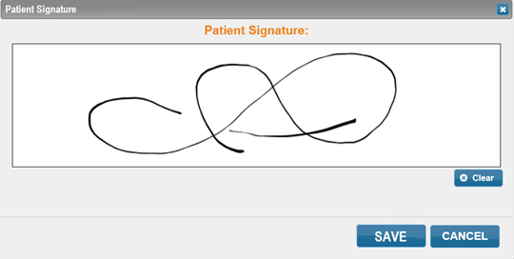
Note: Select Clear to clear anything entered in the Patient Signature field. Select Cancel to close the Patient Signature window and not save anything. If the patient signature was captured in error, it can be deleted by selecting Clear and then Save.
- Select Save. The Patient Signature window closes and the Patient Signature button turns blue.